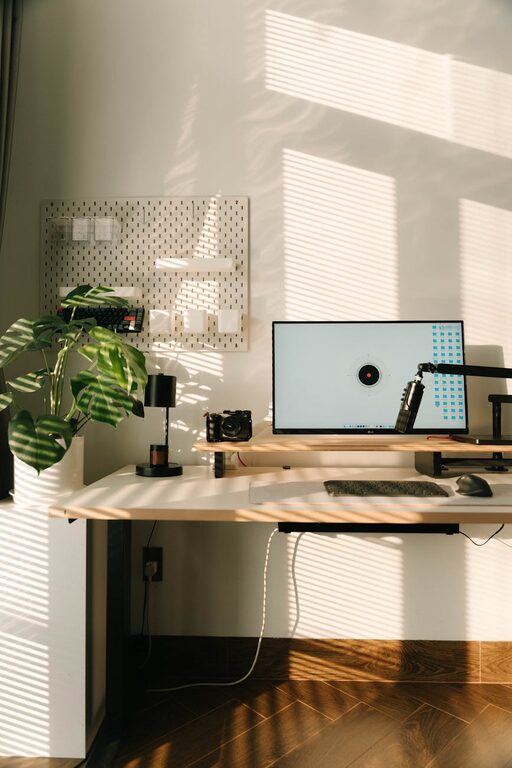
Creating a productive home office environment is essential for anyone working remotely or spending significant time on personal projects. A well-designed workspace can boost your focus, reduce distractions, and help maintain a healthy work-life balance. Here’s a detailed guide with tips to help you shape a home office that enhances your productivity and makes working from home more enjoyable.
Choose the Right Location
Find a Quiet Space
Your workspace should be as free from noise and interruptions as possible. Choose a room or corner in your home that’s quiet and away from busy household areas, like the kitchen or living room.
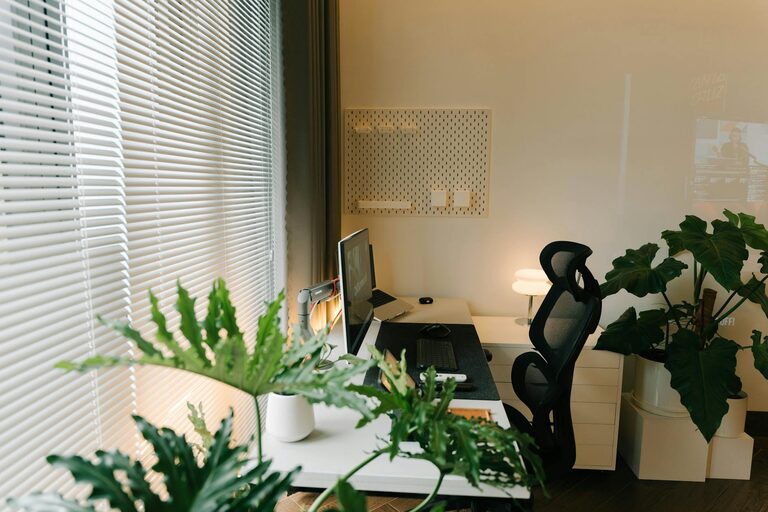
Consider Natural Light
Working near a window can provide natural light, which helps improve mood and reduce eye strain. If natural light isn’t available, invest in good quality lighting to keep your workspace bright.
Invest in Comfortable and Functional Furniture
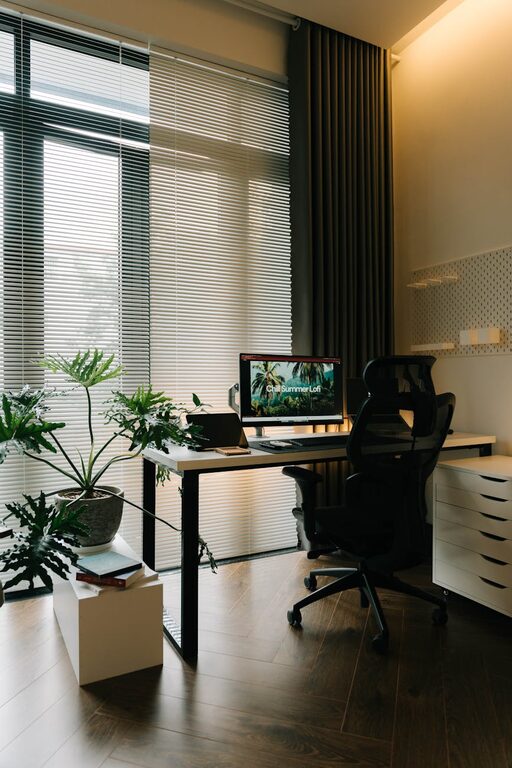
Select an Ergonomic Chair
Since you’ll be spending hours sitting, an ergonomic chair that supports your back is critical. Look for adjustable features to customize height, backrest, and armrests.
Use a Spacious Desk
A desk with enough surface area lets you organize your tools, computer, and paperwork efficiently. If space is limited, consider wall-mounted desks or foldable options.
Organize Your Workspace
Declutter Regularly
Keep your desk tidy by removing unnecessary items. A clutter-free environment minimizes distractions and helps maintain focus.
Use Storage Solutions
Utilize shelves, drawers, or organizers to store supplies, files, and personal items. Label boxes or folders for easy access.
Optimize Technology and Tools
Invest in Reliable Equipment
Ensure your computer, internet connection, and peripherals like a printer or headset are reliable to avoid technical disruptions.
Arrange Your Devices Ergonomically
Position your monitor at eye level to reduce neck strain, and place your keyboard and mouse where your arms can rest naturally.
Manage Lighting Effectively
Combine Ambient and Task Lighting
Ambient lighting provides general illumination, while task lighting, like a desk lamp, helps focus on detailed work.
Avoid Glare and Shadows
Position lights and screens to prevent reflections that can cause eye discomfort.
Establish a Routine
Set Working Hours
Define your work hours and stick to them. This structure helps separate work time from personal time.
Take Regular Breaks
Stand up, stretch, or take short walks throughout the day to reduce fatigue and maintain energy levels.
Personalize Your Workspace
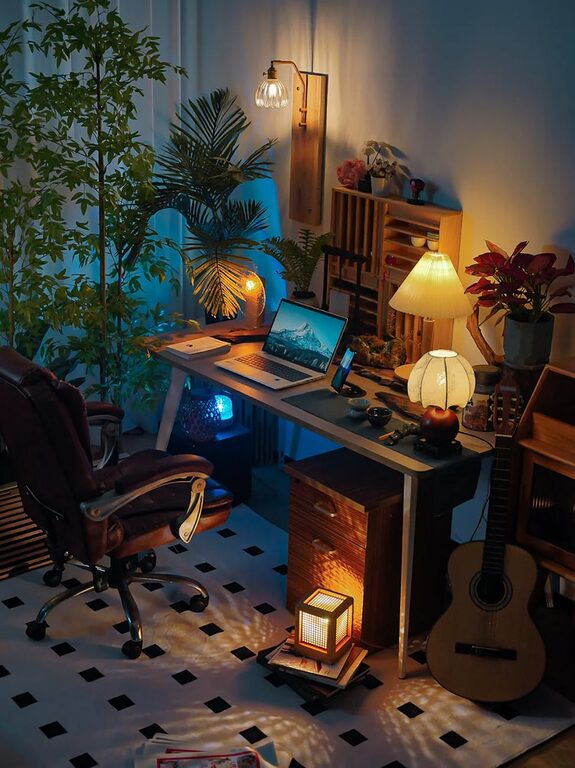
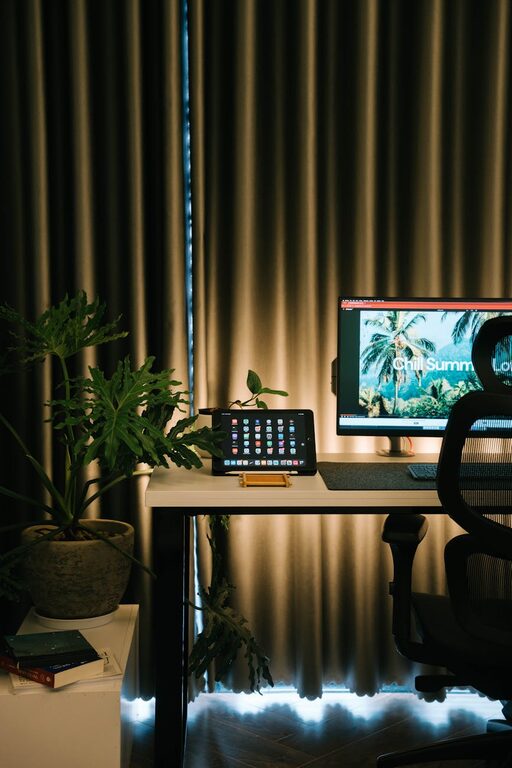
Add Plants or Decor
Plants can improve air quality and add a calming effect. Personal touches like photos or artwork make the space inviting.
Keep Inspirational Items Nearby
Quotes, vision boards, or favorite books can motivate you during challenging moments.
Minimize Distractions
Use Headphones or White Noise
If noise is unavoidable, headphones or white noise apps can help you focus.
Communicate Boundaries
Let family or housemates know your work schedule and the importance of minimizing interruptions.
Maintain Good Air Quality and Comfort
Ventilate Regularly
Fresh air keeps your mind alert. Open windows when possible or use air purifiers.
Control Temperature
Keep the room temperature comfortable to avoid distraction from being too hot or cold.
Conclusion
Setting up a productive home office environment involves careful attention to location, furniture, organization, and personal comfort. By applying these tips, you can create a dedicated workspace that supports focus and well-being, helping you perform your best every day. Remember, your home office should suit your unique needs, so feel free to adapt these guidelines to what works best for you.
About the Author