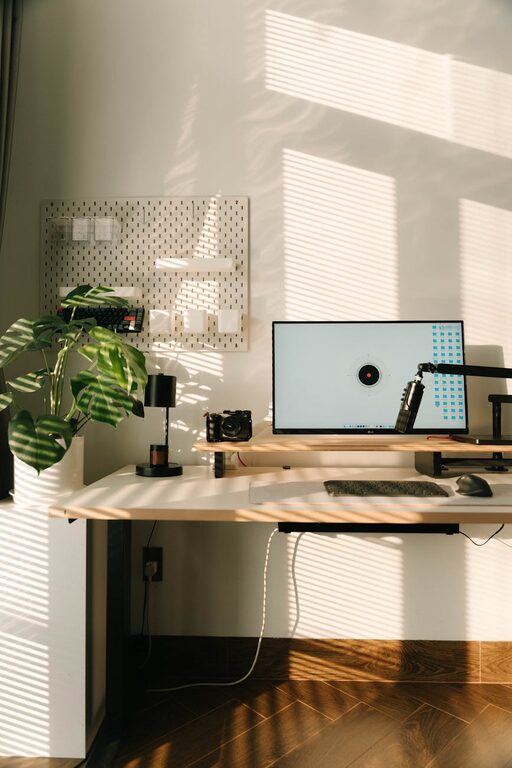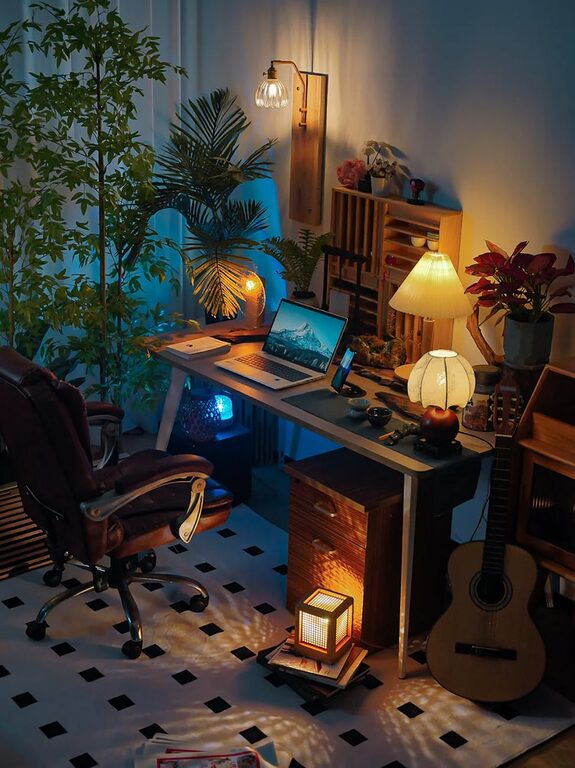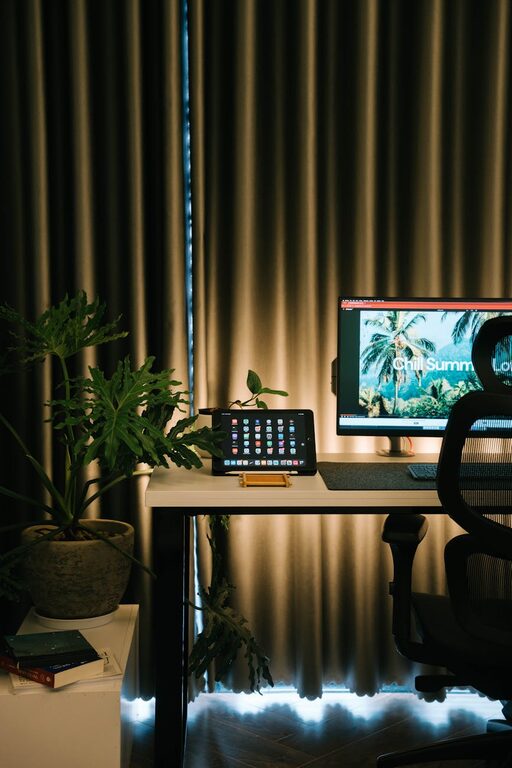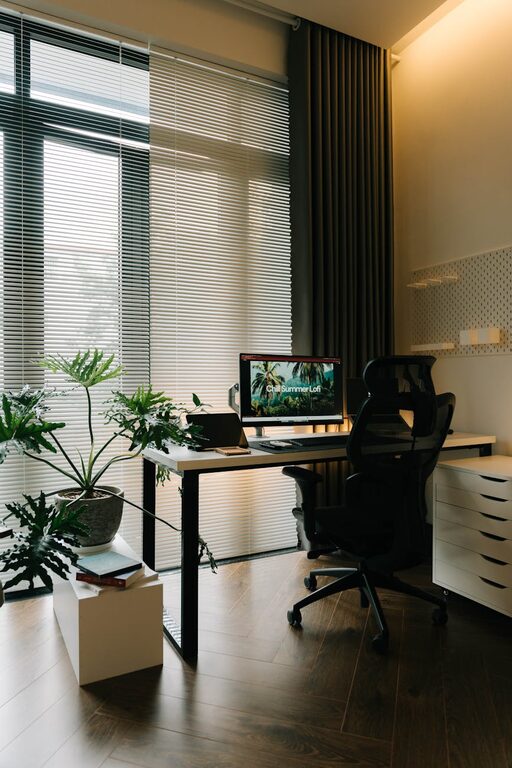
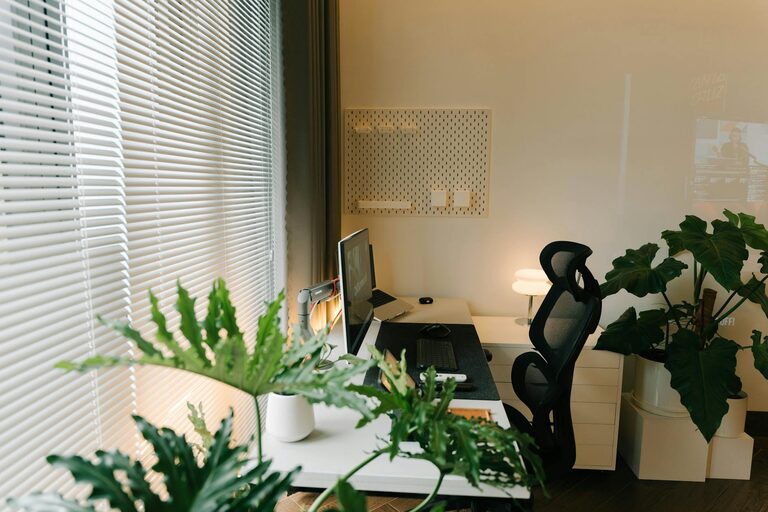
Creating an organized home office is key to staying focused, productive, and comfortable throughout your workday. Whether you work remotely full-time or occasionally need a dedicated space, having a clutter-free, well-arranged office can make a significant difference in how efficiently you accomplish tasks. This post shares essential tips to help you design and maintain a home office that supports your best work.
Why Organizing Your Home Office Matters
A disorganized workspace can lead to distractions, lost time searching for items, and increased stress. Conversely, a tidy, systematized area allows you to work more efficiently, think clearly, and enjoy your time spent working. Additionally, an organized home office can create a professional atmosphere for video calls and meetings.
Choosing the Right Location
Your office location within your home impacts your comfort and concentration.
– Quiet Area: Pick a space away from household noise and heavy foot traffic.
– Natural Light: Position your desk near a window if possible. Natural light reduces eye strain and uplifts mood.
– Ventilation: Good airflow keeps the space fresh, helping you stay alert.
Decluttering: The First Step to Organization
Before you arrange furniture or storage, start by decluttering your workspace.
- **Sort Through Items:** Remove anything that doesn’t help with work — old papers, broken tech, unrelated personal items.
- **Use the “Keep, Toss, Relocate” Method:** Decide what to keep on your desk, what to throw out, and what belongs elsewhere in your home.
- **Keep Essentials Only:** Limit your desktop items to what you use daily.
Choosing the Right Furniture
Furniture plays a big role in comfort and functionality.
– Desk Size: Choose a desk that fits your needs — large enough for your computer, notebooks, and task materials but not so big that it overwhelms your space.
– Comfortable Chair: Invest in an ergonomic chair that supports good posture.
– Storage Solutions: Include shelves, drawers, or filing cabinets to neatly store supplies and paperwork.
Organizing Your Desk
Your desk is your main workspace, so keep it tidy and functional.
– Use Desk Organizers: Tray organizers, pen holders, and small bins help keep items in place.
– Cable Management: Use clips or sleeves to keep cords untangled and out of sight.
– Designate Zones: Assign spots on your desk for tech, paper, and writing supplies.
Smart Storage Tips
Efficient storage keeps clutter hidden but accessible.
– Label Everything: Use labels for boxes, files, and drawers to find items quickly.
– Vertical Storage: Shelving units or wall-mounted organizers save floor space.
– Use Clear Containers: Transparent bins help you see what’s inside without opening them.
Digital Organization Matters Too
An organized digital workspace complements your physical setup.
– File Structure: Create clear folders for different projects and dates.
– Declutter Email: Regularly archive or delete unnecessary emails.
– Use Productivity Apps: Tools like calendars, to-do lists, and note apps keep you on track.
Personalizing Without Cluttering
Adding personal touches makes your office inviting.
– Plants: Small greenery adds life and improves air quality.
– Artwork or Photos: Use items that inspire or motivate but limit the number to avoid distraction.
– Comfort Items: A cozy throw or good lighting can make the space more pleasant.
Maintaining Your Organized Office
Keeping your office organized is an ongoing process.
– End of Day Routine: Spend 5 minutes tidying your desk before finishing work.
– Weekly Reviews: Check your filing system and supplies weekly to stay on top of clutter.
– Adjust as Needed: Modify your setup based on what works best for you over time.
Final Thoughts
Organizing your home office is a powerful way to increase productivity and create a pleasant working environment. With mindful planning, decluttering, and consistent upkeep, your home office will become a supportive space that helps you focus and succeed. Try these tips and watch how a well-organized workspace transforms your workday!
About the Author